Industry
AI Customer Support for Clinics: Safer Patient Communication with Luni Chat
A practical playbook for answering non-clinical patient questions while protecting privacy, clinical boundaries, and urgent human escalation.
By Luni Chat9 min read
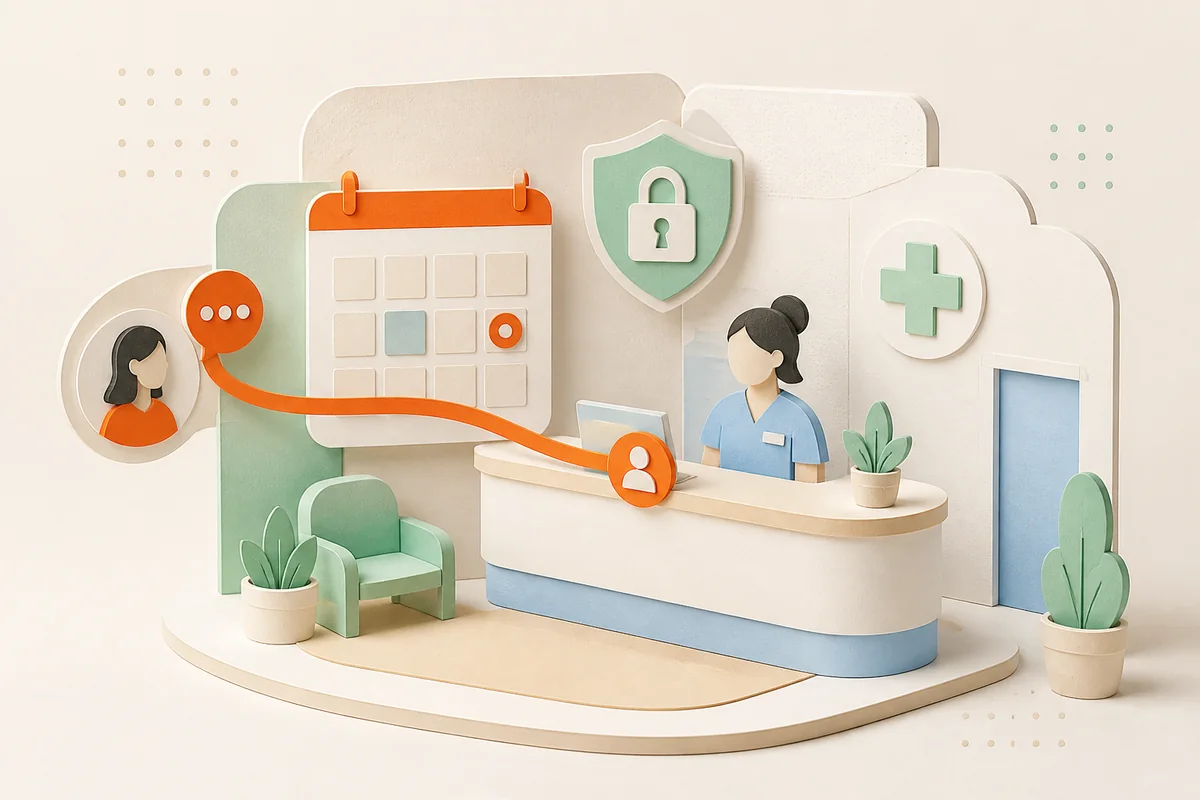
Healthcare conversations do not stop when the front desk closes. A patient may ask about clinic hours in WhatsApp, comment on Instagram about a service, or send a Messenger question about preparing for an appointment. Fast answers matter, but so do privacy, clinical boundaries, and a clear route to a qualified person.
Luni Chat can help healthcare and wellness organizations handle the informational layer of patient communication across social channels. It should not be positioned as a clinician, diagnostic service, or substitute for an emergency pathway.
Where Luni Chat fits in the patient journey
The best starting point is repetitive, approved information that does not require access to a medical record.
Before booking
Luni can answer from maintained business knowledge about locations, opening hours, services offered, practitioner profiles, accessibility, accepted payment methods, and the organization’s published booking process. It can also clarify which department handles a request and send the visitor to the correct scheduling route.
Before an appointment
Approved preparation instructions, documents to bring, arrival times, cancellation policies, parking, and telehealth setup are good candidates when the source material is current and specific. If preparation depends on a patient’s diagnosis, medicines, or clinician instructions, the conversation needs a human or a secure clinical channel.
After a visit
Luni can share general, already-published aftercare resources and explain how to contact the care team. Questions about symptoms, test results, prescriptions, or an individual treatment plan should be transferred instead of answered from general content.
Build a healthcare-ready knowledge pack
Do not upload a broad collection of outdated PDFs and hope the assistant finds the right rule. Give every source an owner and review date.
Include:
- location, department, and holiday hours;
- services and practitioner scope written in patient-friendly language;
- booking, rescheduling, cancellation, and late-arrival rules;
- approved preparation and general aftercare pages;
- insurance networks or payment options, with a warning that acceptance is not a guarantee of individual coverage;
- accessibility, language, parking, and visitor information;
- emergency, urgent, clinical, privacy, billing, and complaint escalation paths.
Exclude clinical notes, patient lists, test results, and any other material that should not be available to a public-facing support system.
Design public and private replies differently
Public comments need a stricter playbook than direct messages. A helpful public response can acknowledge the question and point to general information. It should not confirm that someone is a patient, repeat sensitive details, or invite them to describe symptoms in the comments.
If a commenter shares personal information, the response should avoid quoting it back and move the conversation to the organization’s approved private or secure process. A private social DM is more discreet than a comment, but it is not automatically the right place for protected medical information.
Luni Chat brings supported social conversations into one operating layer, while human handoff lets the team take over when context, empathy, or authorization is required.
Create explicit escalation rules
Configure phrases and situations that should never stay in ordinary automation:
- possible emergency or immediate danger;
- a request for diagnosis, dosage, or treatment advice;
- symptoms following a procedure;
- test results, prescriptions, or medical records;
- billing disputes or financial hardship;
- safeguarding, abuse, or self-harm concerns;
- an angry patient asking to make a formal complaint;
- any uncertainty about whether the answer is clinical.
The handoff should include the conversation history, detected reason, page or post that started the conversation, and any public exposure that needs moderation. Do not ask the patient to repeat the story unnecessarily.
A practical clinic rollout
Start with one location and three low-risk intents: hours and directions, service navigation, and booking instructions. Test the same questions in different wording across WhatsApp, Instagram, and Messenger. Include difficult cases such as an outdated holiday schedule, two services with similar names, a request for medical advice hidden inside an administrative question, and a patient who posts personal details publicly.
Have clinical, operations, privacy, and front-desk owners approve the source set and escalation language. Review early conversations daily. Expand only after the team can show that answers are grounded, handoffs reach the right queue, and sensitive requests are consistently refused.
Example: a safe front-desk conversation
Imagine a person comments beneath a clinic post: “Do you offer the treatment shown here, and can I book for tomorrow?” The useful public reply confirms only what the published service page supports, links to general information, and offers the approved booking route. It does not decide that the service is appropriate for the person.
If the person moves to DM and asks whether the treatment is safe with a named condition, Luni should stop the informational flow. It can explain that a qualified member of the care team must answer individual suitability questions, collect the person’s preferred contact route if policy allows, and transfer the full context. The clinical team sees the originating post, the service discussed, and the exact question without the assistant attempting an answer.
Now compare a simple question: “Is the Lakeside clinic open on Saturday, and is there step-free access?” If both facts are in current location knowledge, Luni can answer directly and link to directions. If the Saturday schedule is missing or two pages conflict, uncertainty should generate a knowledge gap and a front-desk handoff—not a guess based on normal hours.
These scenarios make quality review concrete. The team can label each conversation as safe answer, safe refusal, correct routing, or source gap, then improve the knowledge and rules without moving the clinical boundary.
Measure access without rewarding risk
Useful measures include correct service routing, booking-link completion, response time for low-risk questions, repeat-contact rate, human takeover rate by intent, and knowledge gaps discovered. Pair them with guardrails: clinical-answer attempts, privacy incidents, missed urgent language, wrong-location information, and public replies needing correction.
The goal is not the highest possible automation rate. It is fewer preventable front-desk interruptions and a clearer patient path without weakening clinical judgment or privacy.
How Luni Chat helps healthcare teams
Luni Chat gives healthcare and wellness organizations a consistent way to answer approved questions across WhatsApp, Instagram, Messenger, Facebook, YouTube, and TikTok. It uses the organization’s maintained knowledge and brand voice, records conversations in a shared inbox, and hands uncertain or sensitive conversations to people with context.
To evaluate the fit, start with a free Luni Chat account, load only public operational content, define the clinical boundary, and test the three most common non-clinical questions your front desk receives.